
[Published: September 22, 2026 | Last updated: September 22, 2026]
TL;DR
- Keyboard covers reduce typing noise, but only modestly – they dampen the click of keycap-on-keycap contact, not the mechanism underneath.
- A silicone cover cuts perceived loudness by roughly 3-5 decibels in informal sound tests, which is noticeable but not silent.
- Mechanical keyboards with loud switches (like blue switches) stay loud even under a cover, because the noise comes from the switch itself.
- For real quiet, pair a cover with switch dampeners, O-rings, or a membrane/laptop-style keyboard.
- Covers add a second benefit most people care about more: keeping crumbs, dust, and spills out.
What Is a Keyboard Cover and How Does It Affect Sound?
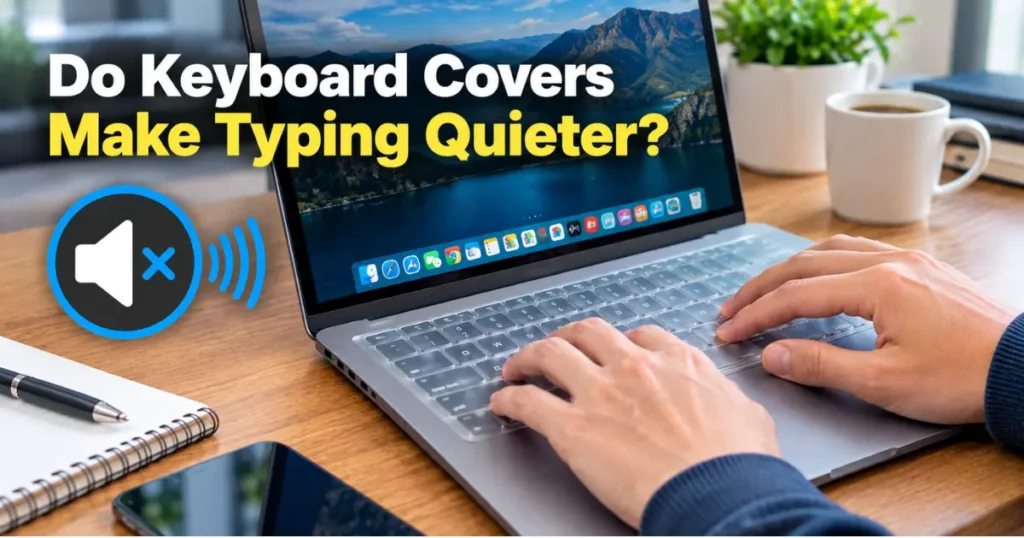
A keyboard cover is a thin, flexible sheet – usually silicone or TPU – that fits over the keys of a laptop or desktop keyboard. It reduces noise by absorbing some of the impact when a key is pressed and released, muffling the sharp “clack” that happens when a keycap hits the switch housing or the plate below it.
The sound reduction is real but limited. A cover changes the texture of the noise more than it eliminates volume. Instead of a crisp click, you get a softer, slightly muted thud. People sitting near you will likely notice the difference; people in the next room probably won’t.
How Much Quieter Does a Keyboard Actually Get?
Expect a drop of about 3-5 decibels with a standard silicone cover, based on informal comparisons using phone-based sound meter apps (dB measurements vary by device and aren’t lab-grade). Since decibels are logarithmic, even a few points feels like a real, audible change in a quiet room.
The amount of reduction depends heavily on the keyboard type:
| Keyboard Type | Noise Source | Cover Effectiveness |
|---|---|---|
| Membrane/laptop keyboard | Keycap hitting plate | High – covers absorb most impact noise |
| Mechanical (linear switches, e.g. Red) | Switch mechanism + keycap | Moderate – switch noise persists |
| Mechanical (clicky switches, e.g. Blue) | Internal click mechanism | Low – the click happens inside the switch, cover can’t reach it |
| Scissor-switch keyboard | Keycap + stabilizer noise | High – similar to membrane keyboards |
If you’re typing on a laptop or a basic membrane keyboard, a cover makes a genuine difference. If you’re on a mechanical board with clicky switches, the cover mutes the surface tap but the internal click noise gets through largely unchanged.
Why Covers Work Better on Some Keyboards Than Others
A cover only dampens the noise it can physically reach – the point of contact between your finger, the keycap, and whatever’s underneath. On membrane and scissor-switch keyboards, most of the sound comes from exactly that contact point, so a cover intercepts it directly.
On mechanical keyboards, a large share of the noise is generated inside the switch itself – the spring compressing, the stem sliding against the housing, and on clicky switches, an internal leaf mechanism producing an audible click. A cover sitting on top of the keycaps can’t muffle a sound that originates below the surface.
This is why people who want a genuinely quiet mechanical keyboard usually combine several fixes rather than relying on a cover alone.
What Actually Makes Typing Quiet (Beyond a Cover)
A keyboard cover is one layer of noise reduction, not the whole solution. If quiet typing matters more than convenience, here’s what has a bigger impact:
- Switch dampeners: Small silicone rings or pads installed inside mechanical switches that reduce the bottom-out sound. This addresses noise at the source rather than the surface.
- O-rings: Rubber rings placed under keycaps that cushion the downstroke, cutting the sharp bottom-out click on mechanical boards.
- Switching switch type: Moving from clicky (Blue-style) to linear (Red-style) or tactile-quiet switches removes the internal click mechanism entirely.
- A desk mat or foam pad: Reduces the vibration and resonance that carries sound through a hard desk surface.
A cover paired with any one of these gets you meaningfully closer to silent typing than a cover alone.
Common Mistakes People Make When Buying a Cover for Noise Reduction
- Buying a cover expecting silence: A cover mutes surface noise, not mechanism noise. Set expectations around “quieter,” not “silent.”
- Choosing a thin, low-quality silicone cover: Thinner material transmits more vibration and sound. A thicker, higher-density silicone cover dampens noise more effectively.
- Ignoring the keyboard type: Buying a cover for a clicky mechanical keyboard and expecting the same result as on a laptop keyboard leads to disappointment.
- Skipping the fit check: A cover that doesn’t match the exact keyboard layout can bunch up between keys, which actually adds friction noise rather than reducing it.
Frequently Asked Questions About Keyboard Covers and Noise
Do keyboard covers make typing quieter?
Yes, but modestly. Covers reduce the sharp clack of keycap-on-keycap or keycap-on-plate contact by roughly 3-5 decibels, though the exact drop depends on keyboard type and cover thickness.
Do keyboard covers work on mechanical keyboards?
Somewhat. Covers reduce the surface tap sound but can’t dampen noise generated inside the switch itself, so clicky mechanical switches stay noticeably loud even with a cover on.
What material keyboard cover is quietest?
Thicker silicone covers generally dampen more sound than thin TPU covers, because added material mass absorbs more vibration on impact.
Will a keyboard cover eliminate typing noise completely?
No. A cover changes the texture and lowers the volume of typing noise, but it won’t produce silent typing. For near-silent results, pair a cover with switch dampeners or O-rings.
Are silicone keyboard covers bad for typing feel?
Some typists notice a slightly mushier or less precise feel under a cover, especially on keyboards with a shallow key travel. The effect varies by cover thickness and personal sensitivity.
Key Takeaways
- Keyboard covers reduce noise by about 3-5 decibels, mainly by muffling surface-level impact.
- They work best on membrane, scissor-switch, and laptop keyboards; less on clicky mechanical switches.
- For real quiet on a mechanical keyboard, combine a cover with switch dampeners or O-rings.
- Covers double as protection against dust, crumbs, and spills, which is often the bigger draw for buyers.
Sources:

Leave a Reply