

TL;DR
- Tempur-Pedic covers are washable only if the care label says so. Adapt and Cloud covers are spot clean only, while some removable covers are machine washable.
- Wash a removable cover on a gentle cycle in cold water with mild detergent, and air-dry it fully before refitting.
- Never wash the foam itself. Memory foam should not go through a washing machine or be soaked in water.
- Clean a Tempur-Pedic cover a couple of times a year, or sooner after spills.
- Heat is the main cause of damage. Hot water and high dryer heat can deform the cover and weaken its waterproofing.
Tempur-Pedic covers are not all built the same. Some zip off and wash in a machine, while others stay on the mattress and need spot cleaning only. The care label and the warranty decide which method is safe for your bed.
What You Need Before You Clean a Tempur-Pedic Mattress Cover
You need a vacuum with an upholstery attachment, mild detergent, clean cloths, and a drying rack or a spot with good airflow. Plan on about 30 minutes of hands-on work, plus drying time.
- A vacuum with an upholstery attachment removes dust from the foam and the cover before any water is involved.
- A mild laundry detergent cleans the fabric without the damage that bleach causes.
- Two or three clean cloths let you blot stains instead of rubbing them.
- A drying rack or a clear spot outdoors lets the cover dry flat and fully.
Tempur-Pedic recommends a cover for its mattresses. Its support page lists compatible protectors and notes that a stained mattress may not be covered by the warranty.
Step 1: Read the Care Label and Warranty
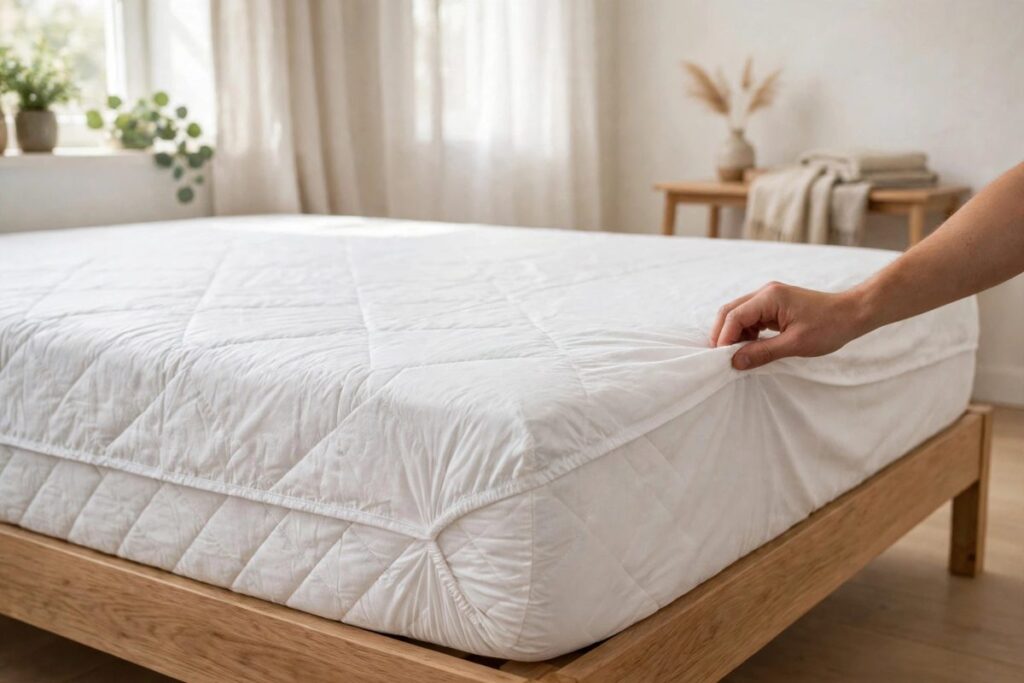
Read the care label first, because Tempur-Pedic covers are built differently. Some are machine washable, some are hand wash only, and some should stay on the mattress. The label and the warranty decide which method is safe for your bed.
Cloud and Adapt covers are spot clean only. Removing a Cloud cover to wash it can void the warranty, so check the label before you unzip anything.
Step 2: Strip the Bed and Vacuum the Mattress
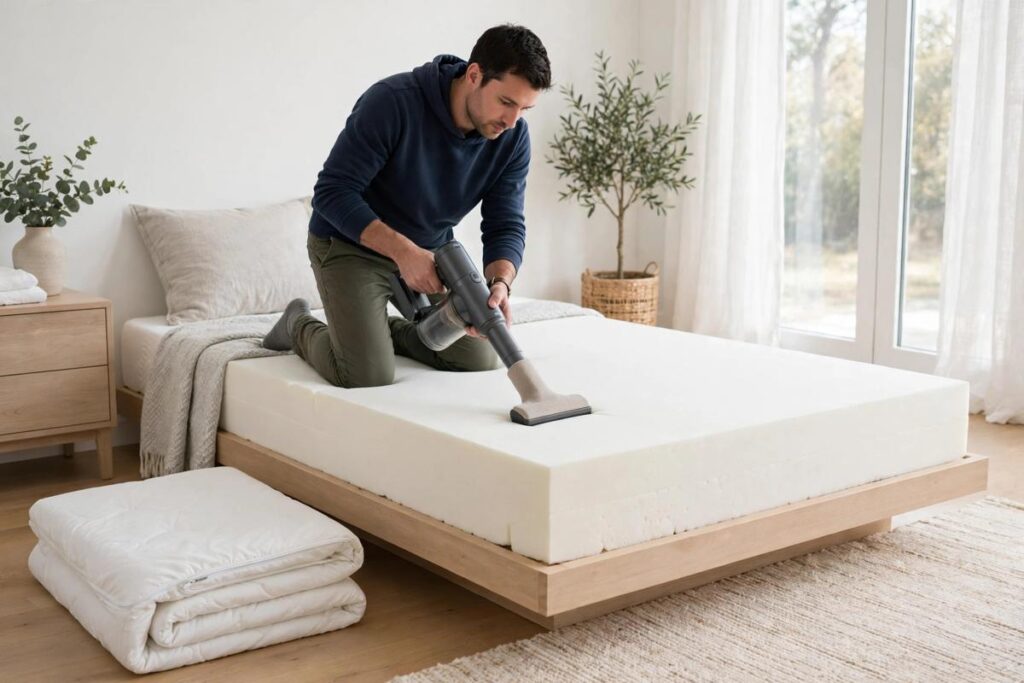
Strip the bed and vacuum before you wash anything. Vacuuming lifts dust and loose debris while the foam is still dry. If the cover zips off, vacuum it on the mattress first, then remove it and vacuum the foam underneath.
Step 3: Spot-Treat Stains Before Washing
Treat stains before the wash, and use as little liquid as possible. Blot the stain with a clean cloth, then dab on mild detergent. Do not rub or scrub, because that can damage the foam and spread the stain.
For blood, dab with a little cold water and avoid soaking a foam mattress. If a stain persists, repeat the treatment until it is faint or gone, then wash and air dry.
Step 4: Wash the Cover on a Gentle Cycle in Cold Water
Wash the cover on the gentle or delicate cycle, in cold water, with mild detergent and no bleach. Hot water and harsh chemicals are the most common reasons covers fail. A cover that does not fit your machine can be hand washed or sent to a cleaner.
To hand wash, soak the cover for 15 to 30 minutes, drain, rinse in cold clean water, gently squeeze out the water, and hang it to dry.
Step 5: Air-Dry the Cover Fully Before Refitting
Dry the cover fully, preferably by air. A damp cover on foam traps moisture against the mattress. Spread the cover on a rack or hang it in a ventilated spot. If the label allows a dryer, use the lowest heat.
Memory foam can trap moisture, which leads to mold and mildew. Tumble drying on low or air drying are both acceptable, but high heat can damage the waterproof lining. Skip dryer sheets and fabric softener, because they reduce the cover’s absorbency and can weaken its waterproofing.
How Often Should You Clean a Tempur-Pedic Mattress Cover?
Clean the cover a couple of times a year (Hunker, 2026). Wash it sooner after spills, accidents, or heavy use. Use a waterproof mattress protector on a bed used by kids or pets, so the cover and foam need fewer deep cleans.
Common Problems When Cleaning a Tempur-Pedic Mattress Cover
Most cleaning problems trace back to heat, softener, or incomplete drying. The table below lists the usual causes and fixes.
| Problem | Likely Cause | Solution |
|---|---|---|
| Cover shrank and no longer fits | Hot water or high dryer heat | Wash cold and tumble dry low or air dry next time. |
| Waterproof layer is peeling | Hot wash or high heat | Switch to cold or lukewarm water. |
| Cover no longer repels liquid | Fabric softener or dryer sheets | Stop using both, since they reduce absorbency. |
| Musty smell after refitting | Cover or foam not fully dry | Remove the cover and air out both, because trapped moisture feeds mold. |
| Stain remains after washing | Stain set before treatment | Repeat spot treatment, then wash and air dry. |
Frequently Asked Questions
Yes, if the care label allows it. Use a gentle cycle, cold water, and mild detergent. Cloud and Adapt covers are spot clean only, so check the label and warranty first.
Only if the label says so, and only on low heat. Air drying is the safer option because high heat can damage the waterproof lining.
A couple of times a year is enough for most households (Hunker, 2026). Clean it sooner after spills or accidents.
No. The foam should not be put through a washing machine or soaked. Vacuum it and spot clean with minimal liquid.
Cold water. Hot water can deform the cover and weaken its waterproofing.
Spot clean it. Do not soak a foam mattress, and use an upholstery cleaner only if the care label allows it.
Quick Recap of the Cleaning Steps
- Read the care label and warranty before starting.
- Strip the bed and vacuum the mattress.
- Blot stains and dab on mild detergent without rubbing.
- Wash gently in cold water with no bleach.
- Air-dry the cover fully before refitting.
References
- Tempur-Pedic, “Product Care”: https://www.tempurpedic.com/faq/product-care/
- Tempur-Pedic Support, “How to Clean a Tempur-Pedic Mattress”: https://support.tempurpedic.com/hc/en-us/articles/360020123457-How-to-Clean-a-Tempur-Pedic-Mattress
- Hunker, “How to Clean a Tempur-Pedic Mattress Cover”: https://www.hunker.com/13417204/how-to-clean-a-tempur-pedic-mattress-cover



Leave a Reply