
[Published: September 19, 2026 | Last updated: September 19, 2026] | 7 min read
TL;DR
- MacBook keyboard covers are good for spill and dust protection but can slightly change typing feel and trap debris if not cleaned regularly.
- Apple does not recommend keyboard covers and has flagged them as a possible cause of key sticking on some models (Apple Support, 2024).
- Silicone covers are the most common type; thin TPU covers offer a closer-to-native typing feel than thick silicone ones.
- For most users in shared spaces, cafes, or with kids or pets around, the protection benefit outweighs the minor typing tradeoff.
- Skip covers on Magic Keyboard MacBooks if you’re a fast typist who relies on precise key travel, since even thin covers add noticeable resistance.
What Is a MacBook Keyboard Cover?
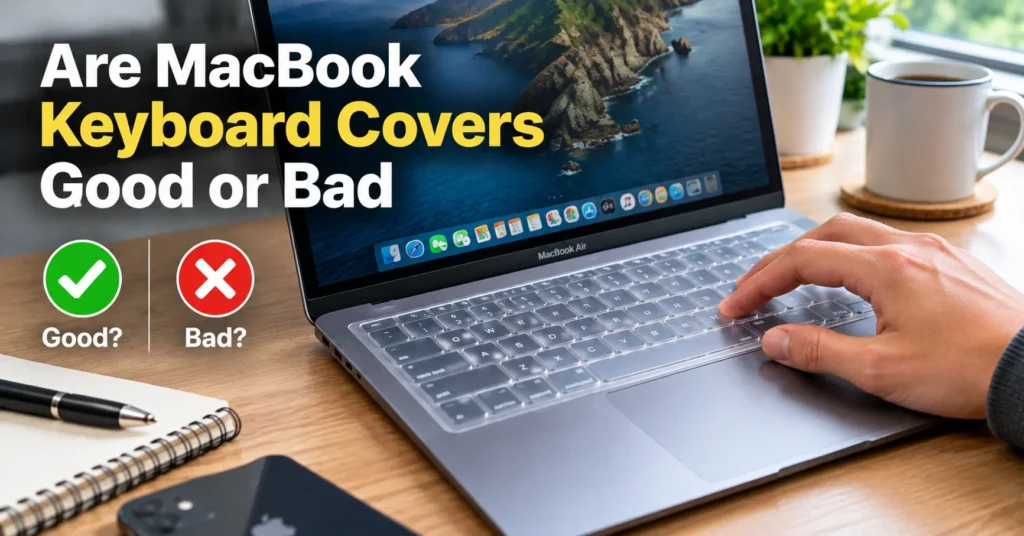
A MacBook keyboard cover is a thin, form-fitted sheet – usually silicone or TPU plastic – that lays directly over the keys. It protects against spills, dust, crumbs, and everyday wear without requiring you to remove it to type.
Covers come in two main types: silicone (thicker, softer, more cushioned) and TPU (thinner, firmer, closer to a bare-key feel). Both are removable and reusable, and most are sold to match specific MacBook models since key spacing and size vary by year.
The Case for Using One: Real Protection Benefits
A keyboard cover’s main job is stopping liquid, dust, and debris from getting between and under the keys. This matters because MacBook keyboards, particularly the Magic Keyboard used since 2019, have a shallow mechanism that’s harder to clean once something gets inside.
Here’s what a cover actually protects against:
| Risk | How a Cover Helps |
|---|---|
| Spilled coffee or water | Liquid pools on the cover surface instead of seeping between keys |
| Crumbs and dust | Debris sits on top and wipes away easily |
| Daily fingerprint oils and grime | Keeps oils off the actual keycaps, preserving resale look |
| Accidental key wear from heavy use | Cover absorbs friction instead of the keycap surface |
For anyone who eats at their desk, works in a dusty environment, or has kids or pets nearby, this protection is a genuine, everyday benefit rather than a theoretical one.
The Case Against: What You Give Up
The tradeoff is typing feel and, in some cases, long-term keyboard health. A cover adds a thin layer between your finger and the key, which changes key travel and can make fast or precise typing feel slightly mushy.
Apple’s own support documentation notes that debris trapped under a cover, or moisture that condenses beneath one, can contribute to sticking or unresponsive keys over time (Apple Support, 2024). This is the opposite of what most people buy a cover to prevent, and it happens most often when a cover is left on for months without being removed and cleaned underneath.
Other common downsides:
- Typing sound changes – some covers create a louder, more “clacky” noise
- Thicker silicone covers can feel spongy compared to Apple’s factory key feel
- Cheap covers can yellow or degrade after a few months of sun or heat exposure
Silicone vs. TPU Covers: Which Type Should You Buy?
The type of cover matters more than the brand for how it affects typing feel. Silicone covers are thicker and more cushioned; TPU covers are thinner and stiffer, sitting closer to how a bare keyboard feels.
| Type | Thickness | Typing Feel | Best For |
|---|---|---|---|
| Silicone | 0.1-0.3mm | Softer, more resistance | Spill protection, shared/public use |
| TPU (ultra-thin) | 0.1mm or less | Close to bare-key feel | Fast typists who still want dust protection |
If typing speed and precision matter most to you, a TPU cover is the better compromise. If protection against spills is the priority and typing feel is secondary, silicone is the safer bet.
Does Apple Recommend Keyboard Covers?
No. Apple does not officially endorse third-party keyboard covers and has noted in support materials that trapped debris or moisture under a cover can affect key performance (Apple Support, 2024). This isn’t a ban – it’s a caution about maintenance, not a statement that covers cause guaranteed damage.
In practice, this means the risk is manageable. Removing the cover every 1-2 weeks to wipe both the cover and the keyboard underneath largely avoids the sticking issue Apple describes.
Common Mistakes to Avoid with Keyboard Covers
- Never cleaning underneath it: Debris and moisture build up over weeks if the cover is never removed. Take it off every 1-2 weeks and wipe both surfaces.
- Buying the wrong model fit: A cover sized for the wrong MacBook year won’t align with key spacing, causing a sloppy fit and worse typing feel. Check your exact model number before buying.
- Leaving a wet cover on: If liquid gets on the cover, dry it fully before it sits back on the keys, since trapped moisture is the main cause of the sticking Apple warns about.
- Using a cover with a laptop sleeve that presses on it: Constant pressure from a tight sleeve can permanently indent a soft silicone cover over time.
Frequently Asked Questions About MacBook Keyboard Covers
Are MacBook keyboard covers bad for the keyboard?
Not inherently. The risk comes from leaving a cover on for extended periods without cleaning underneath it, which can trap moisture or debris (Apple Support, 2024). Removed and cleaned regularly, most covers cause no lasting harm.
Do keyboard covers affect typing speed?
They can, especially thicker silicone ones. Thin TPU covers have the least impact on typing feel and are the better choice for people who type quickly or for long periods.
Will a keyboard cover void my MacBook warranty?
No. Using a keyboard cover does not void Apple’s standard warranty, since it’s a removable accessory rather than a hardware modification.
How often should I clean under a MacBook keyboard cover?
Every 1-2 weeks is a reasonable interval for regular use. If you eat near your laptop often or live somewhere dusty, cleaning weekly is safer.
Do I need a keyboard cover if I already use a laptop sleeve?
A sleeve protects the closed laptop in transit, but it does nothing while you’re actively using it. A cover protects during use – spills, crumbs, daily grime – which a sleeve can’t address.
Key Takeaways
- Keyboard covers genuinely protect against spills, dust, and daily wear, but add a thin layer that changes typing feel.
- TPU covers preserve typing feel best; silicone covers protect against liquid best.
- Apple’s caution is about maintenance, not outright damage – clean under the cover every 1-2 weeks to avoid sticking keys.
- The right choice depends on your environment: heavy protection needs favor silicone, typing speed needs favor TPU or no cover at all.
Sources:

Leave a Reply